Ordering the Photo Gallery pages
Galleries are pages containing slideshow images.
Any pages containing 'slideshows' will appear in the 'Photo Galleries' page automatically, without the club administrator needing to do anything. They can be 'members only' or for public display. It is not possible to add photos direct from the 'photo galleries' button.
The order in which these galleries are displayed can be easily altered. In the club admin area, choose 'Order Photo Galleries' from the Pages menu or tab.
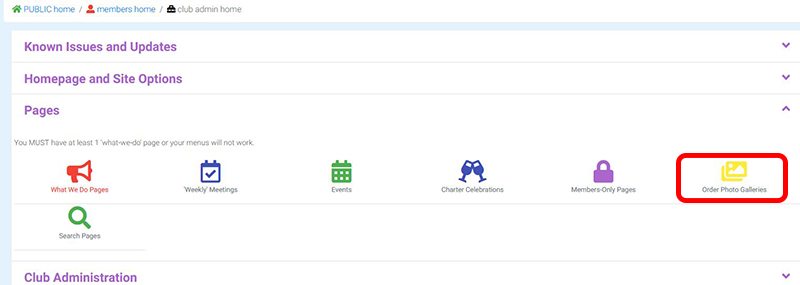
The following page opens:
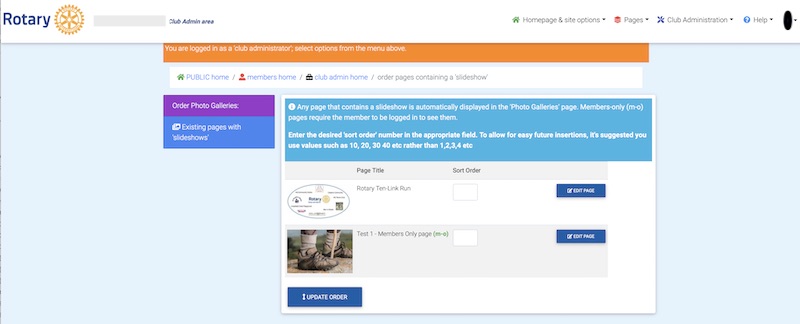
Note the order matches that currently displayed in the public area.
To change the existing order enter a sort order number in the ‘Sort Order’ box alongside each photo. Note the advice at the top of the page and use values such as 10, 20, 30, 40 etc. so that you can intersperse extra sets of photos in future.
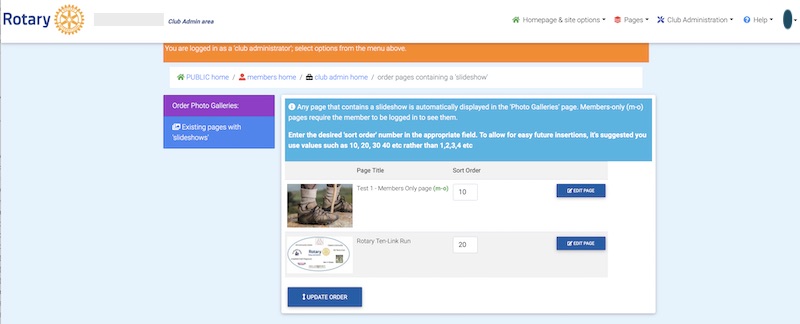
Press the Update button at the bottom of the list when you have finished.