Upload your photo
You can upload your photo easily - doing so helps other members know 'who's who' and to be able to put a name to a face. If your club administrator hasn't done this for you, the form below is displayed. Please note what it says about image sizes.
Click the 'choose file' button,
- find the image on your computer, either double-click on it or click OK/Select
- click the 'upload' button
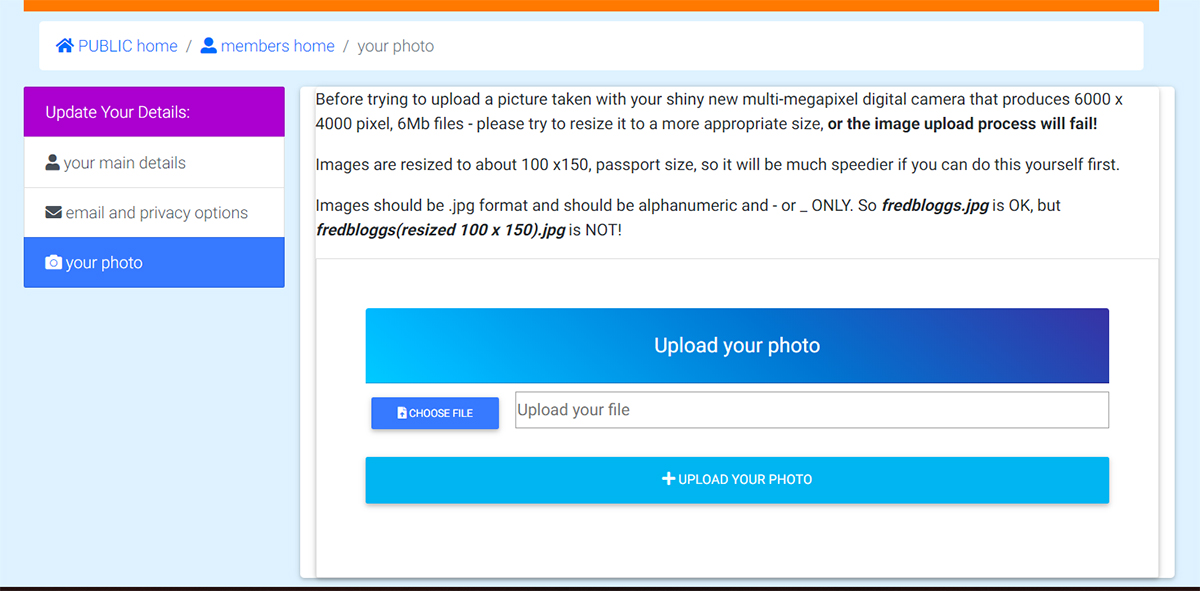
Before you upload your photo, resize it to about passport size! If you have a good digital camera, it's quite likely that the image will be huge - too big to be resized automatically - so save time and frustration by resizing it first. If you don't know how to do this, ask your club administrator to do it for you.
Please note the informaion about naming the picture; a short, meaningful name is required.
Once your photo is uploaded:
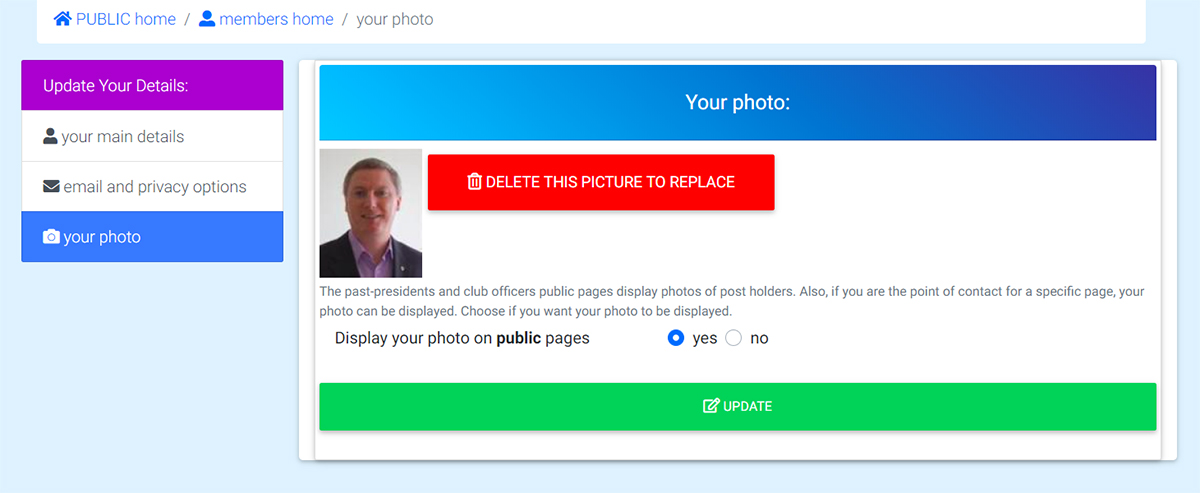
You can change your photo at any time; click the link and you can delete the existing picture and replace it with a preferred one.
If you don't want to display your photo in the public area of the site, you can change this (or by going to the 'update your details' page).