Contacting club members
Select 'Club members' from the 'Search/Find/Contact' drop-down menu:
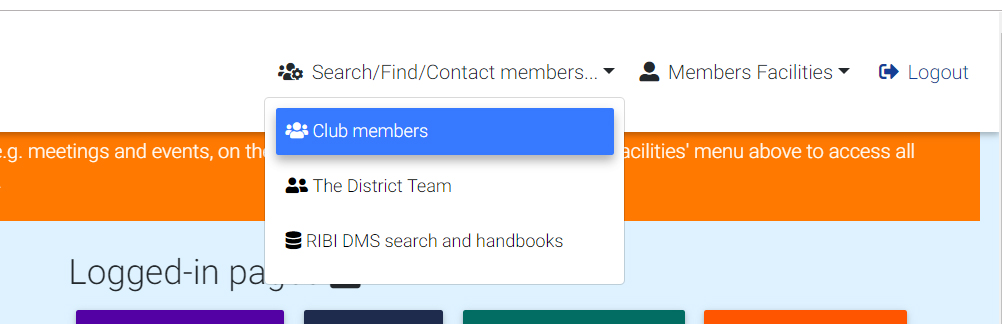
Clicking on the 'club members' menu item above opens a page displaying all current club members. (This page shows members information blocked out for privacy).
You can view member information, contact club members, club officers, email all members of a club committee and view 'Friends' of your club. Click the appropriate menu link (highlighted in the red rectangle) to view the information.
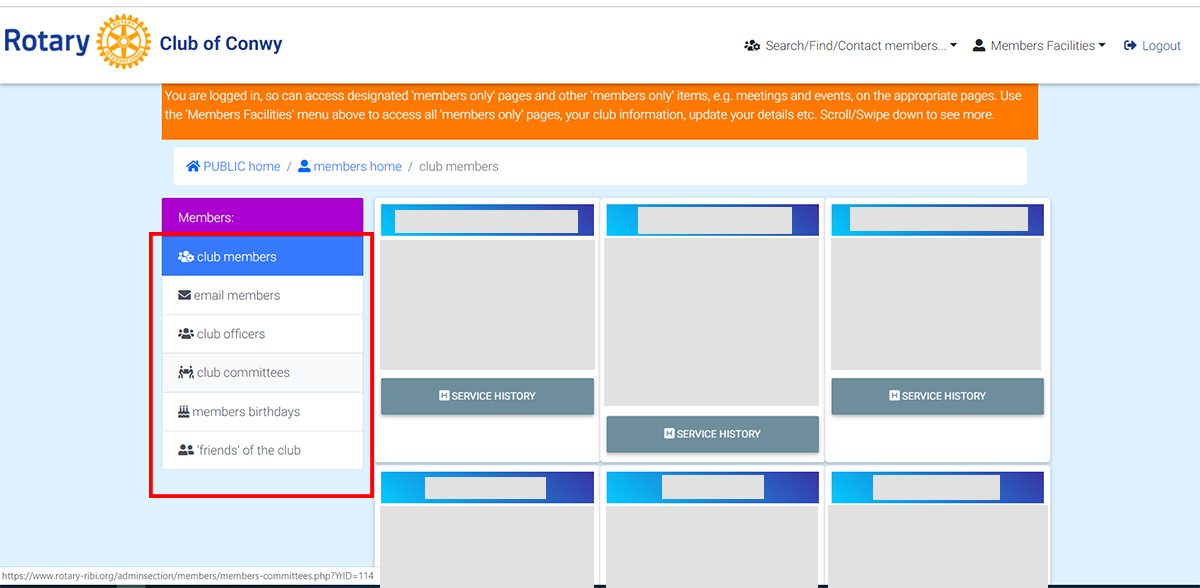
Club Members
Lists all members (if registered), with photo and contact detail. Click the 'H' graphic to view a member's Rotary 'history'. The service history comprises of club and district committee membership and posts held - nothing confidential!
Email Members
You can use this page to send to several members, with an attachment if required,
Hopefully the other links are obvious.